✂️
macOS 14 Sonoma or later

The snipping tool
Mac was missing.

Capture, annotate, and share screenshots in seconds. Built for Windows switchers — your shortcuts work out of the box.

↓ Download on the Mac App Store See features

Free · Advanced features available via in-app purchase

Features

Everything you need. Nothing you don't.

All the tools Windows switchers expect, built natively for macOS.

🔲

Rectangle Snip

Drag to select any region with a precise crosshair cursor. Captures instantly the moment you release.

🪟

Window Snip

Click any window to capture it with its native shadow. Works with any app, including overlapping windows.

🖥️

Full-screen Snip

Grab the entire display instantly. Perfect for reporting bugs or documenting a whole workflow.

⏱️

Delay Timer

Set a 3 s, 5 s, or 10 s countdown before capture — ideal for catching tooltips and transient menus.

✏️

PencilKit Annotations

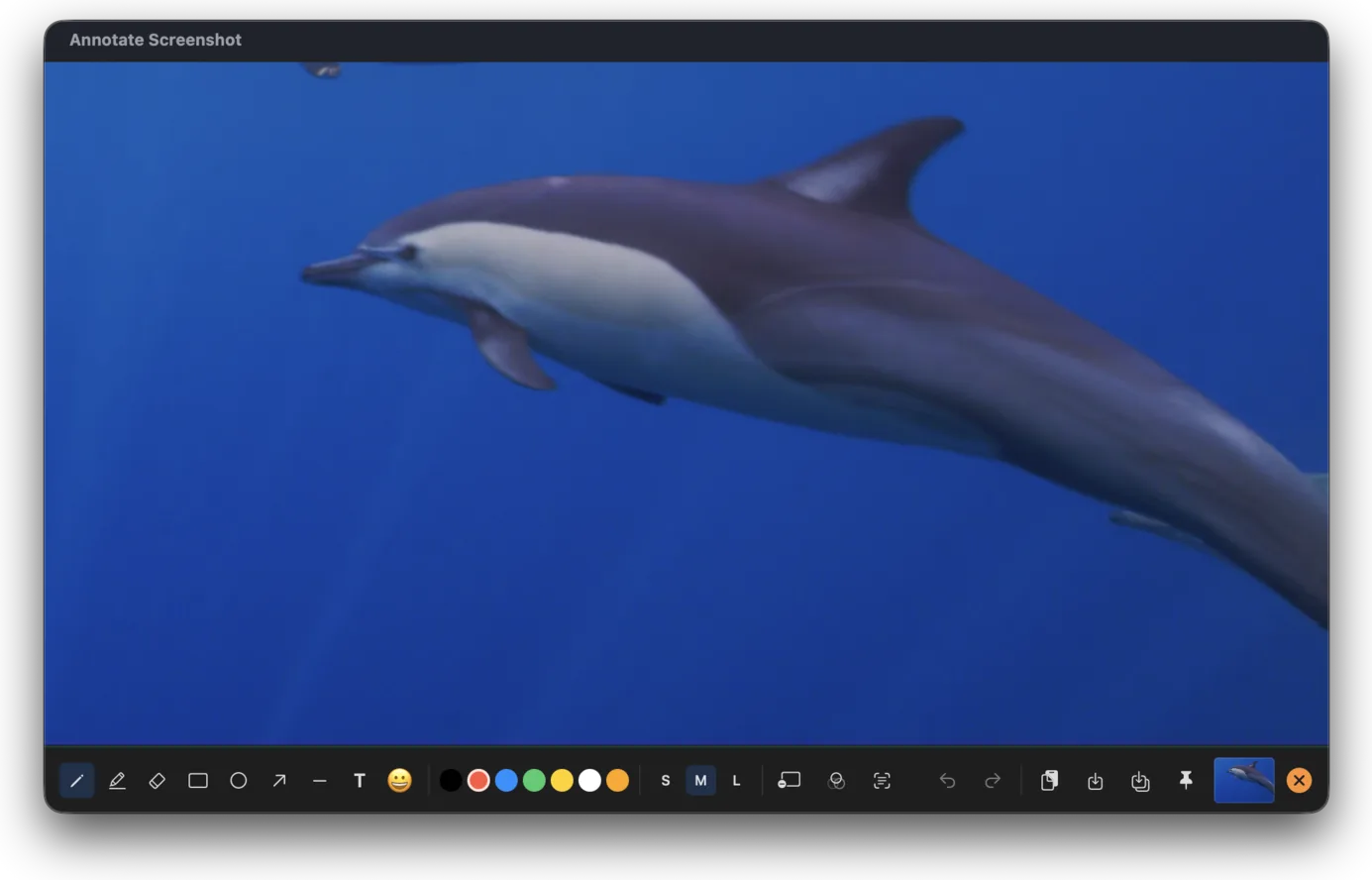
Pen, highlighter, shapes, arrows, and text overlay — powered by Apple PencilKit. Full undo / redo.

💾

Quick Save & Export

Cmd+S saves to your last folder. Cmd+Shift+S exports as PNG, JPEG, TIFF, or PDF. Clipboard copy is instant.

Global Shortcuts

Familiar shortcuts. Zero relearning.

1

Rectangle Snip

2

Window Snip

S

Quick Save

S

Save As…

Zero data collected. Ever.

All screenshot capture, annotation, and image export happens entirely on your Mac. Nothing is ever sent to a server.

No account required No cloud upload No analytics No tracking